


Optimizing Home Connectivity with Home Network Boosters

In today’s world, staying connected is more important than ever. Whether you’re working from home, streaming your favorite shows, or just keeping in touch with loved ones, a strong mobile signal is essential. But what happens when your home’s network coverage is weak or spotty? That’s where home network boosters come in. These devices can transform your connectivity experience by amplifying your mobile signal and ensuring you stay online without interruptions.
Let me walk you through how these boosters work, why they matter, and how you can get the best results for your home.
Understanding Home Network Boosters and Their Benefits
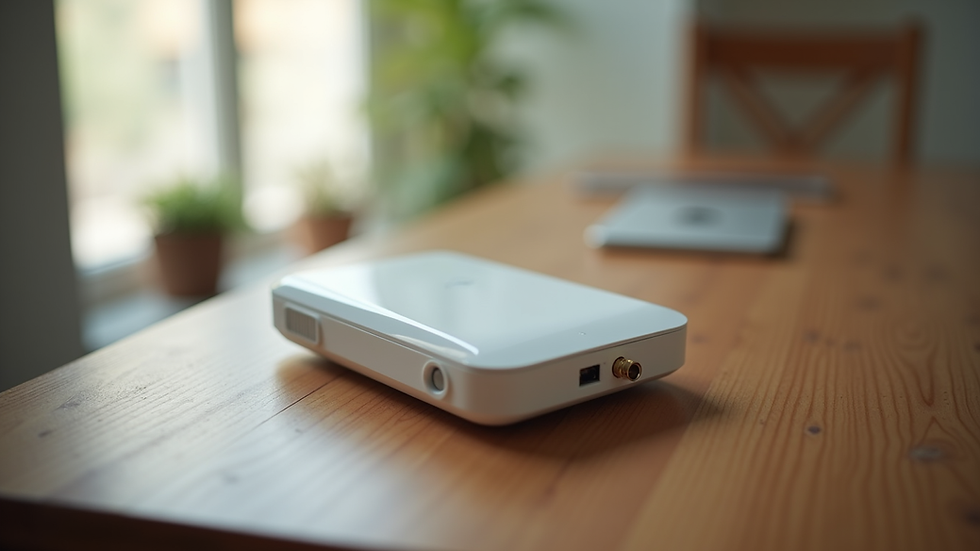
Home network boosters are devices designed to improve your mobile signal inside your house. They capture the existing weak signal from outside, amplify it, and then rebroadcast it indoors. This process helps eliminate dead zones and weak spots, giving you clearer calls, faster internet, and more reliable connections.
Here’s why investing in a home network booster makes sense:
Improved Call Quality: No more dropped calls or muffled voices.
Faster Internet Speeds: Stream videos, download files, and browse without buffering.
Better Coverage: Enjoy strong signal in every room, even basements or thick-walled areas.
Energy Efficiency: Devices and phones use less power when the signal is strong.
Increased Property Value: A well-connected home is more attractive to buyers or renters.
If you live in an area with poor reception, such as many parts of India, a home network booster can be a game-changer. It’s a practical solution that doesn’t require changing your service provider or moving to a new location.

Choosing the Right Home Network Boosters for Your Space
Not all boosters are created equal. To get the best performance, you need to pick one that fits your home’s size, layout, and the type of mobile network you use. Here are some key factors to consider:
Coverage Area
Measure the size of the area you want to cover. Small apartments may only need a compact booster, while larger homes or offices might require a more powerful unit or multiple boosters.
Network Compatibility
Check if the booster supports your mobile carrier’s frequency bands. Most modern boosters cover 3G, 4G, and even 5G signals, but it’s best to confirm.
Installation Type
Some boosters are plug-and-play, while others need professional installation. Consider your comfort level with setup and whether you want a permanent or portable solution.
Signal Strength Outside Your Home
The booster can only amplify the signal it receives. If the outdoor signal is extremely weak, you might need an external antenna to capture it better.
Budget
Prices vary widely. Balance cost with features and coverage to find the best value.
By carefully evaluating these points, you can select a booster that fits your needs perfectly.
How do I increase my mobile signal strength?
If you’re wondering how to boost your mobile signal at home, here are some practical steps you can take before or alongside installing a booster:
Position Your Phone Near Windows
Signals penetrate glass better than walls. Try making calls or using data near windows facing the nearest cell tower.
Avoid Obstacles
Thick walls, metal objects, and electronic devices can block signals. Keep your phone away from microwaves, cordless phones, and large appliances.
Use Wi-Fi Calling
Many smartphones support Wi-Fi calling, which uses your internet connection to make calls when cellular signals are weak.
Update Your Phone Software
Sometimes, software updates improve your device’s ability to connect to networks.
Restart Your Phone Regularly
This can refresh your connection to the nearest cell tower.
If these tips don’t help, a booster is often the most effective solution.
These simple actions can improve your signal temporarily, but for consistent, strong coverage, a booster is the best bet.

Installing and Maintaining Your Home Network Booster
Once you’ve chosen the right booster, installation is the next step. Here’s a straightforward guide to help you get started:
Find the Best Outdoor Signal Spot
Use your phone to check signal strength around your home’s exterior. The spot with the strongest signal is where you’ll mount the external antenna.
Mount the External Antenna
Place it high up, like on the roof or an outside wall, pointing towards the nearest cell tower.
Connect the Antenna to the Booster
Run the cable indoors to the booster unit, usually placed centrally in your home.
Position the Indoor Antenna
This antenna rebroadcasts the amplified signal inside. Place it where you need the best coverage.
Power Up and Test
Turn on the booster and check your phone’s signal strength in different rooms.
Maintenance Tips:
Keep the outdoor antenna clean and free from obstructions.
Check cables periodically for damage.
Restart the booster occasionally to keep it running smoothly.
If you move or notice signal changes, adjust the antenna position.
Proper installation and upkeep ensure your booster works efficiently for years.
Maximizing Your Home Connectivity Experience
Boosting your mobile signal is just the start. To get the most out of your improved network, consider these additional tips:
Use Signal-Optimized Devices
Some smartphones and routers perform better with stronger signals. Check device specs before upgrading.
Secure Your Network
Protect your Wi-Fi and booster settings with strong passwords to prevent unauthorized access.
Combine with Wi-Fi Extenders
If your home is large, use Wi-Fi extenders alongside your booster for seamless internet coverage.
Monitor Your Data Usage
Faster speeds can lead to higher data consumption. Keep an eye on your plan limits to avoid extra charges.
Stay Updated on Technology
Mobile networks evolve quickly. Keep your booster’s firmware updated and consider upgrades when new standards like 5G become widely available.
By taking these steps, you’ll enjoy a smooth, reliable connection that supports all your online activities.
Taking the Next Step Toward Better Connectivity
Improving your home’s mobile signal is easier than you might think. With the right home network boosters, you can say goodbye to frustrating call drops and slow internet. Whether you’re in a busy city or a remote area, these devices help you stay connected with confidence.
If you’re ready to enhance your home’s network, explore options like a mobile signal booster for home to find a solution tailored to your needs. Strong, reliable connectivity is within reach - and it can make a big difference in your daily life.
Start optimizing your home connectivity today and enjoy the benefits of a powerful, consistent mobile signal.


Comments